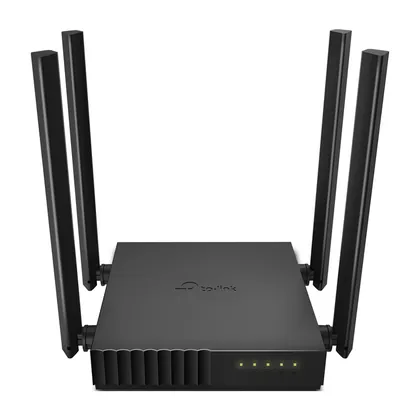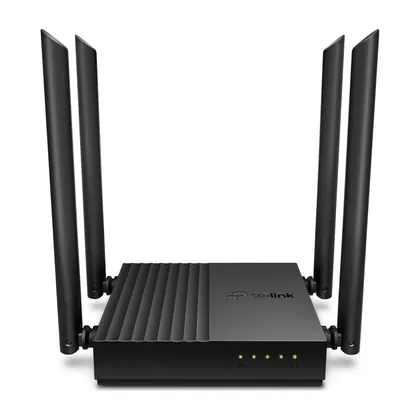

Archer C24
AC750 Wi-Fi 5 router
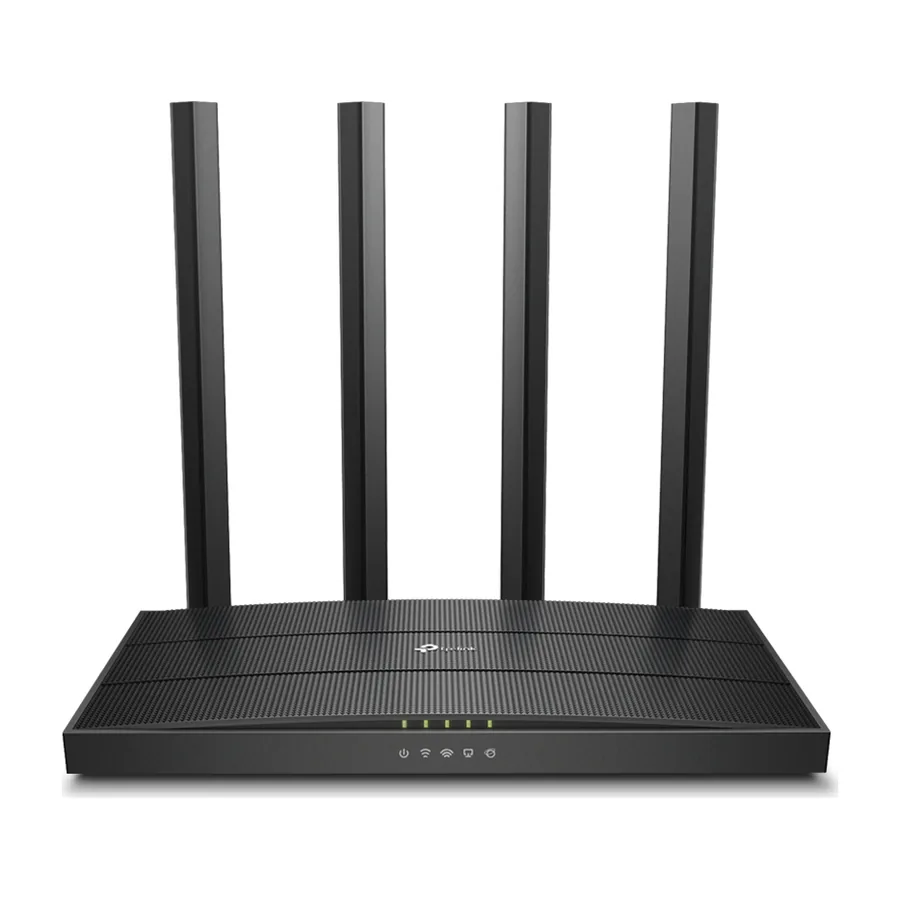
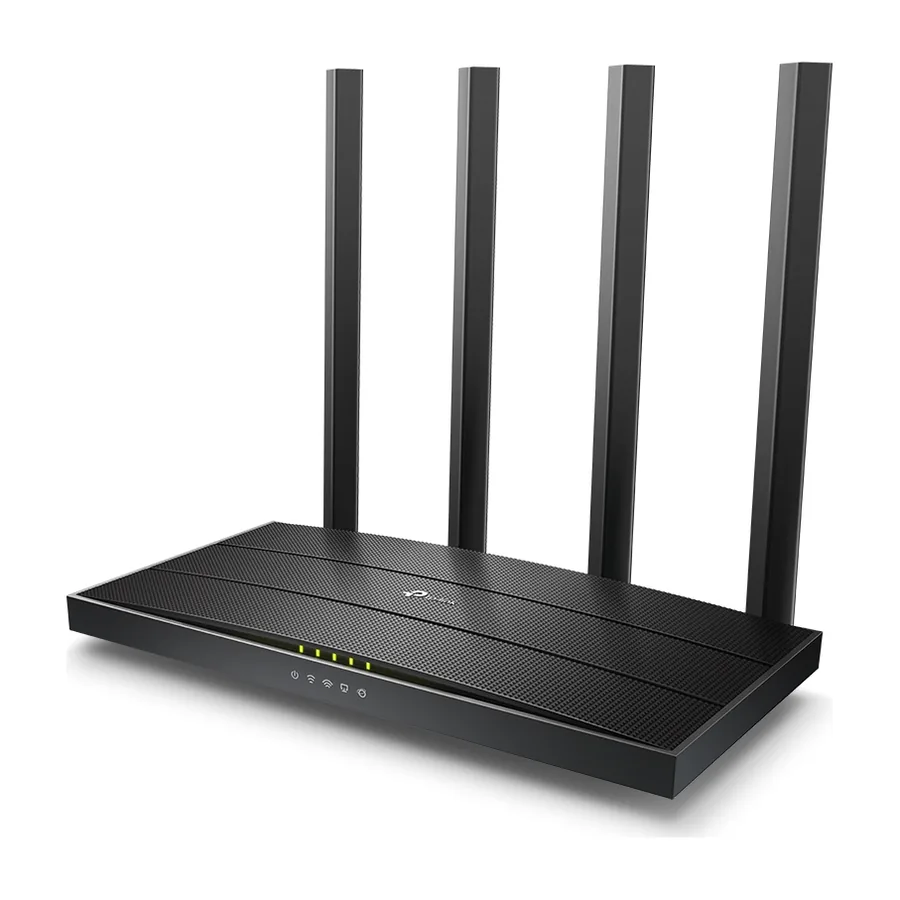
AC1900 Wi-Fi 5 router
An AC1900 dual-band Wi-Fi 5 router with Gigabit Ethernet. Mesh ready: add more units later to cover a bigger home.
An AC1900 dual-band Wi-Fi 5 router with Gigabit Ethernet.
Mesh ready: add more units later to cover a bigger home.
We handle supply, setup and Wi-Fi coverage planning.
| Standards and Protocols | Wi-Fi 5 · IEEE 802.11ac/n/a 5 GHzIEEE 802.11n/b/g 2.4 GHz |
|---|---|
| WiFi Speeds | AC1900 · 5 GHz: 1300 Mbps (802.11ac)2.4 GHz: 600 Mbps (802.11n) |
| WiFi Range | 3 Bedroom Houses · 4× Fixed High-Performance AntennasMultiple antennas form a signal-boosting array to cover more directions and large areasBeamformingConcentrates wireless signal strength towards clients to expand WiFi range |
| WiFi Capacity | Medium · Dual-BandAllocate devices to different bands for optimal performance3×3 MU-MIMOSimultaneously communicates with multiple MU-MIMO clientsAirtime FairnessImproves network efficiency by limiting excessive occupation |
| Working Modes | Router ModeAccess Point Mode |
| Network Security | SPI FirewallAccess ControlIP & MAC BindingApplication Layer Gateway |
|---|---|
| Guest Network | 1× 5 GHz Guest Network1× 2.4 GHz Guest Network |
| WiFi Encryption | WPAWPA2WPA3WPA/WPA2-Enterprise (802.1x) |
| Processor | 1.2 GHz CPU |
|---|---|
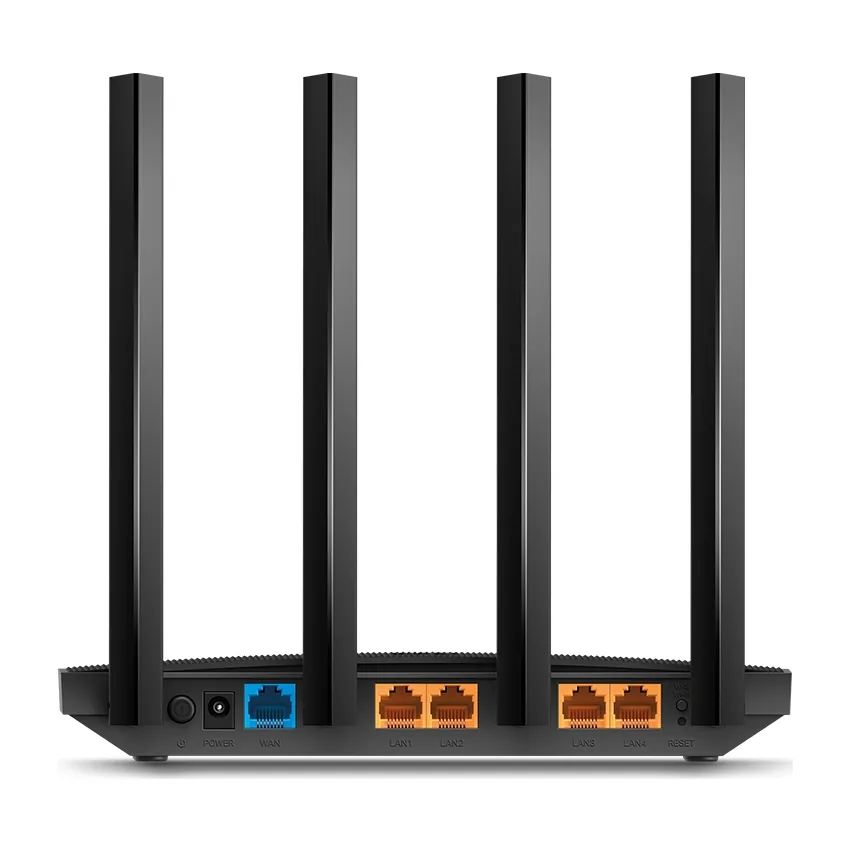
| Ethernet Ports | 1× Gigabit WAN Port4× Gigabit LAN Ports |
| Power | US Version12 V ⎓ 1.5 AEU Version12 V ⎓ 1 A |
| Buttons | WPS/Wi-Fi ButtonPower On/Off ButtonReset Button |
| Protocols | IPv4IPv6 |
|---|---|
| OneMesh™ | OneMesh™ SupportedWithout replacing your existing devices or buying a whole new WiFi ecosystem, OneMesh™ helps you create a more flexible network that covers your entire home with TP-Link OneMesh™ products. · Learn More> · All OneMesh Products> |
| Parental Controls | URL FilteringTime Controls |
| WAN Types | Dynamic IPStatic IPPPPoEPPTPL2TP |
| Quality of Service | QoS by Device |
| Cloud Service | OTA Firmware UpgradeTP-Link IDDDNS |
| NAT Forwarding | Port ForwardingPort TriggeringDMZUPnP |
| IPTV | IGMP ProxyIGMP SnoopingBridgeTag VLAN |
| DHCP | Address ReservationDHCP Client ListServer |
| DDNS | TP-LinkNO-IPDynDNS |
| Management Features | Tether AppWebpage · Check Web Emulator> |
| Network Services Enabled by Default | Web Server · Manage and configure device through web (HTTP/HTTPS) · • Port: 80/443 Protocol: TCP · DNS · DNS · • Port: 53 Protocol: TCP & UDP · DHCP Server · IP address assignment (DHCP) · • Port: 67 Protocol: UDP · App management · Manage and configure device through app · • Port: 20002 Protocol: U |
|---|---|
| Certifications | FCC, CE |
| Environment | Operating Temperature: 0℃~40℃ (32℉ ~104℉)Storage Temperature: -40℃~70℃ (-40℉ ~158℉)Operating Humidity: 10%~90% non-condensingStorage Humidity: 5%~90% non-condensing |
| WiFi Transmission Power | CE:<20dBm(2.4GHz)<23dBm(5.15GHz~5.25GHz)FCC:<30dBm(2.4GHz & 5GHz) |
|---|---|
| WiFi Reception Sensitivity | 5GHz:11a 6Mbps:-98dBm, 11a 54Mbps:-78dBm11ac VHT20_MCS0:-98dBm, 11ac VHT20_MCS8:-72dBm11ac VHT40_MCS0:-92dBm, 11ac VHT40_MCS9:-68dBm11ac VHT80_MCS0:-89dBm, 11ac VHT80_MCS9:-64dBm2.4GHz:11g 6Mbps:-97dBm, 11a 54Mbps:-77dBm11n VHT20_MCS0:-97dBm, 11n VHT20_MCS8:-72dBm11n VHT40_MCS0:-92dBm, 11n VHT40_MCS |
| Dimensions (W×D×H) | 8.5 × 4.6 × 1.26 in(215 × 117 × 32 mm) |
|---|
AC750 Wi-Fi 5 router
AC1200 Wi-Fi 5 router
AC1200 Wi-Fi 5 router
AC1200 Wi-Fi 5 router
AC1200 Wi-Fi 5 router
AC1200 Wi-Fi 5 router
AC1200 Wi-Fi 5 router
AC1200 Wi-Fi 5 router